🎉 Up to 70% Off Selected ItemsShop Sale
Product image 1
Product image 2
Product image 3
Product image 4
Product image 5
Product image 6
Product image 7
Product image 8
Product image 9
Product image 10
Product image 11
Product image 12
Product image 13
Product image 14
Product image 15
Product image 16
Product image 17
Product image 18
HomeStore

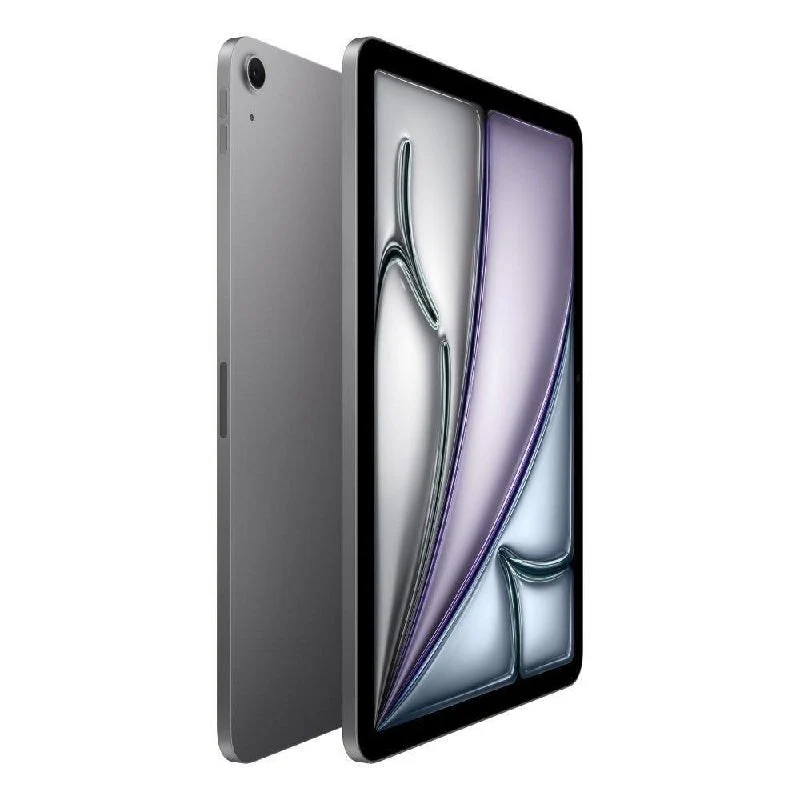
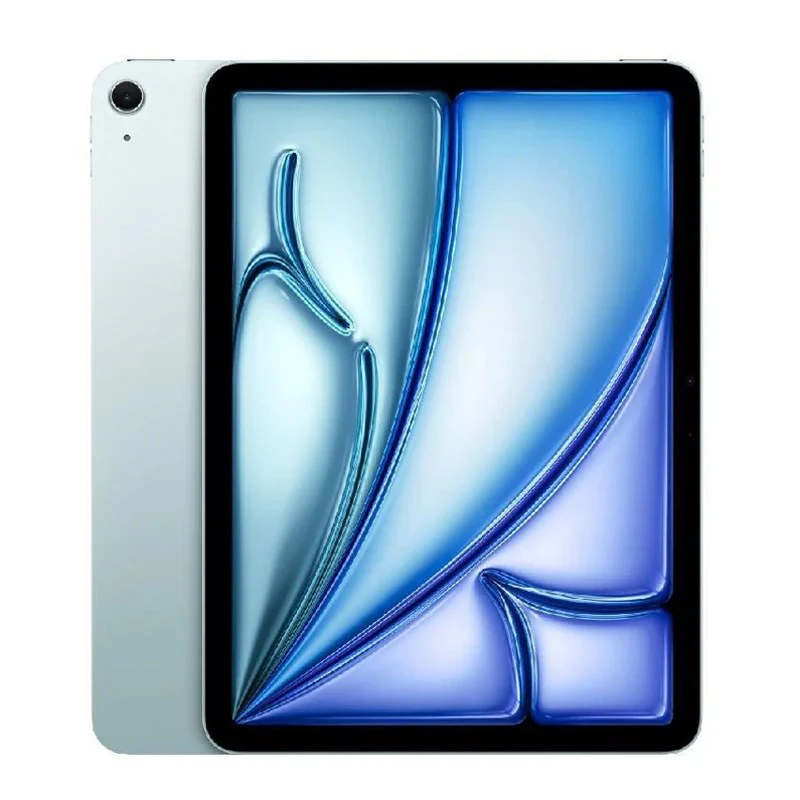
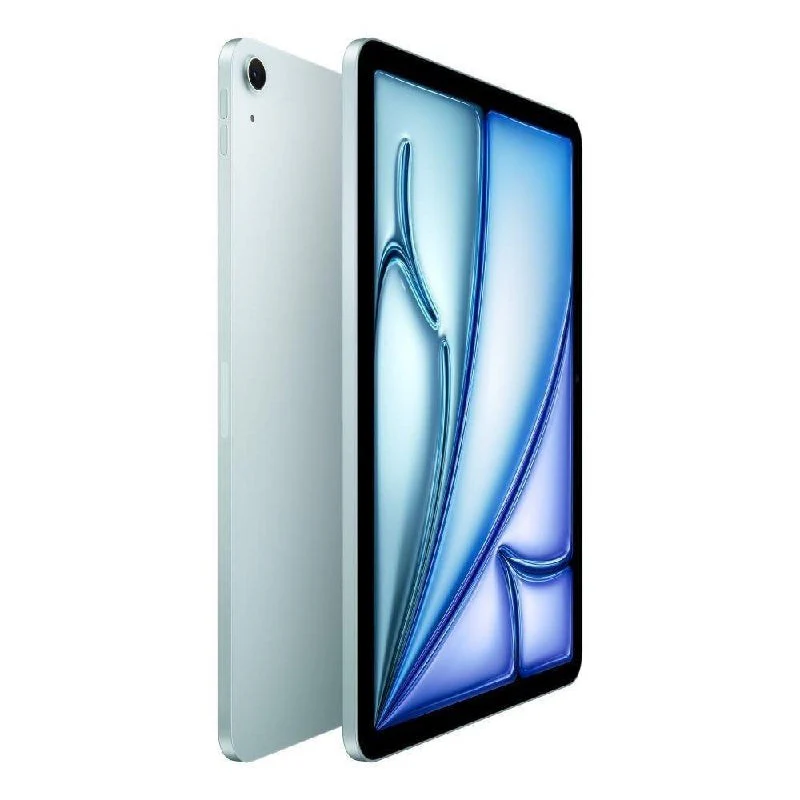
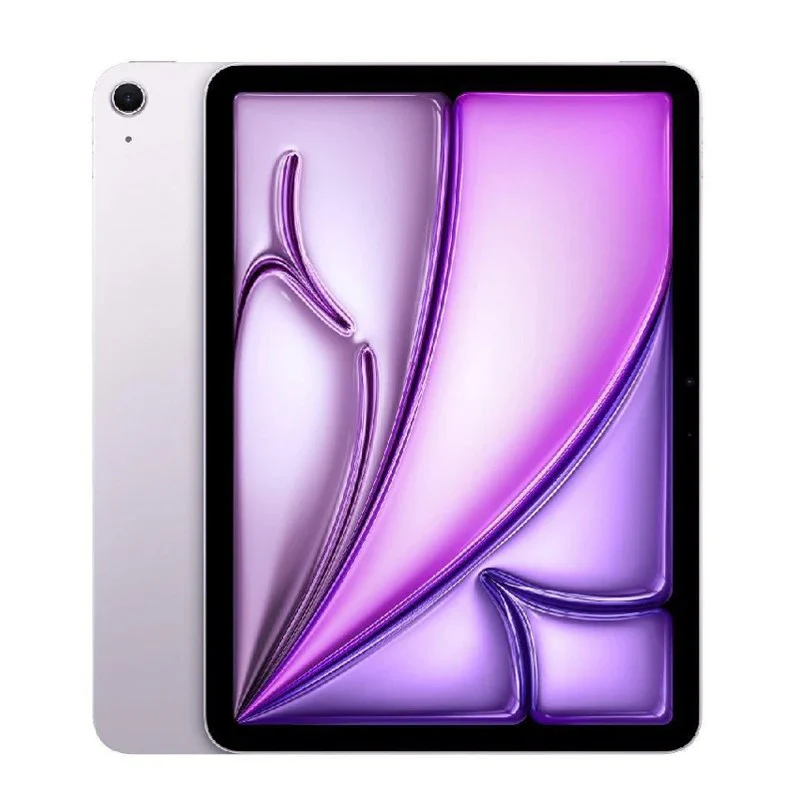
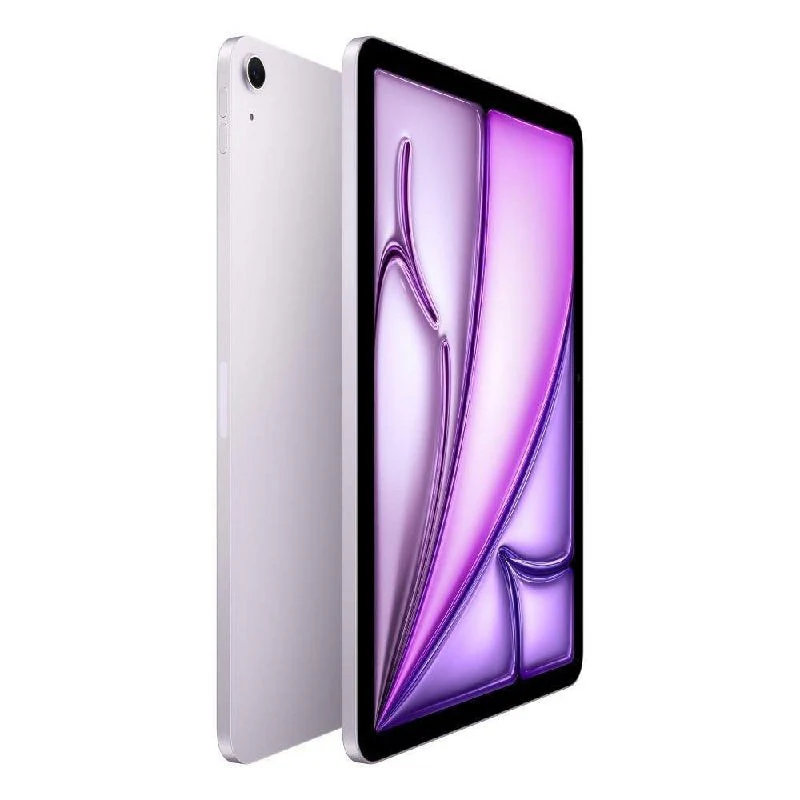
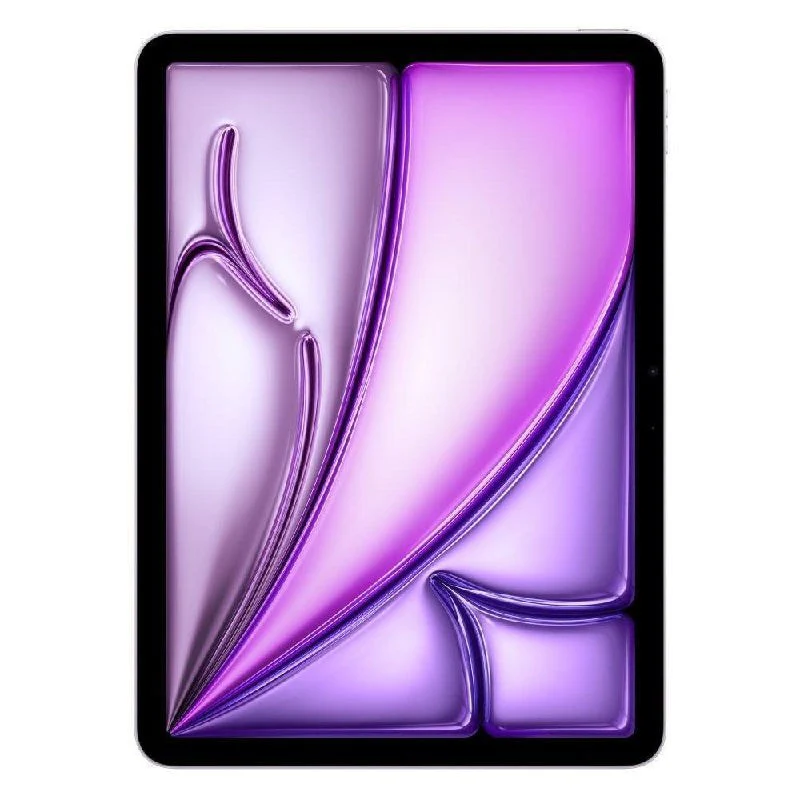
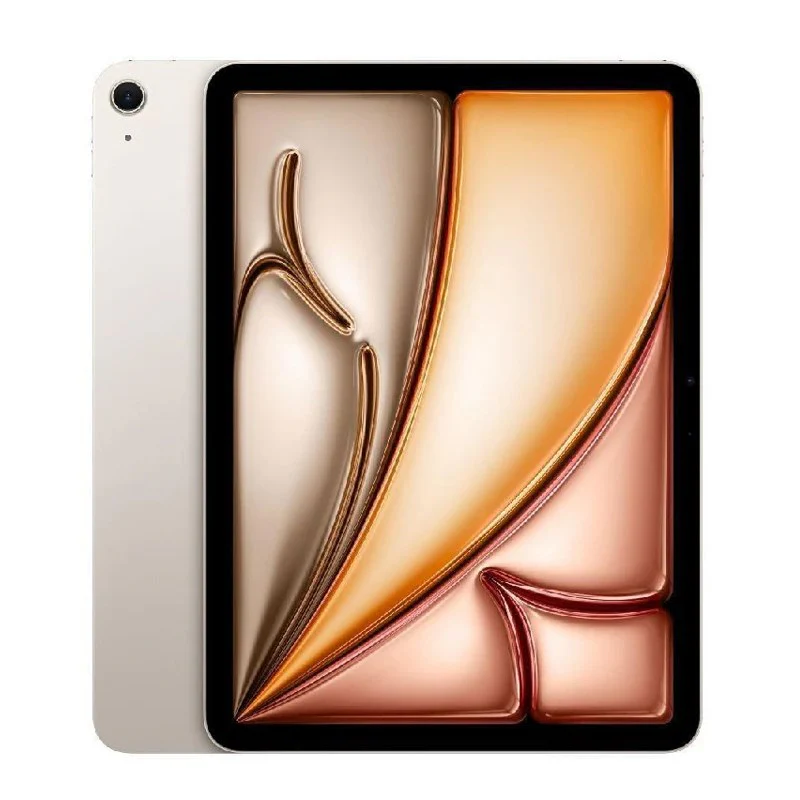
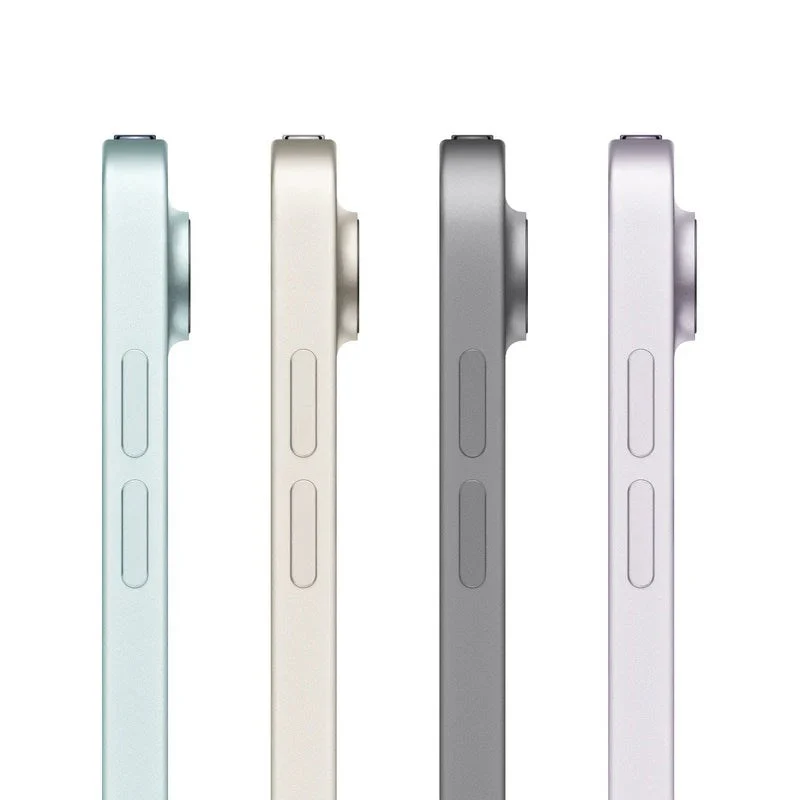
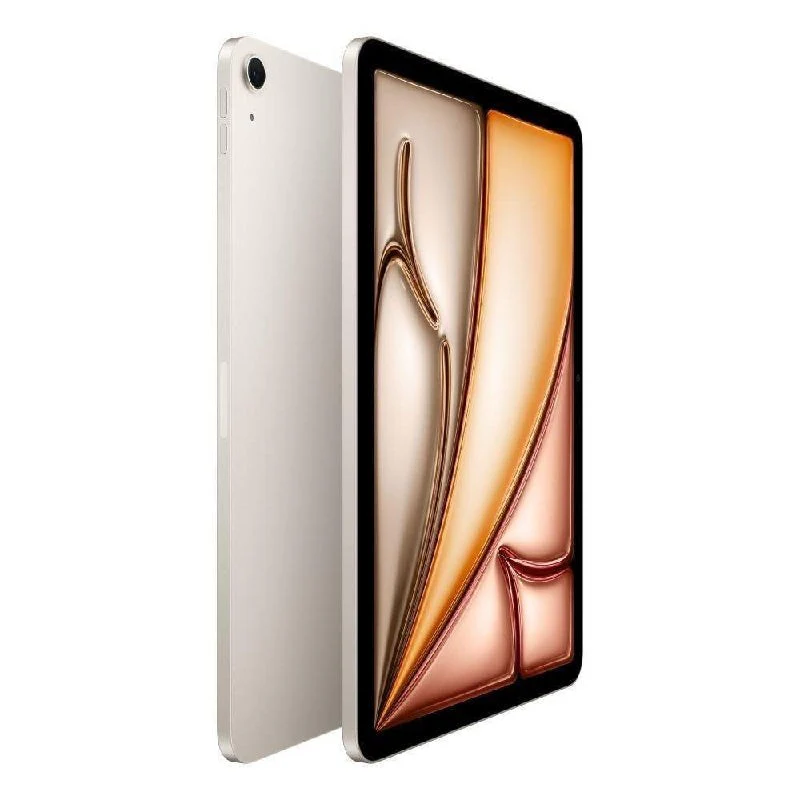
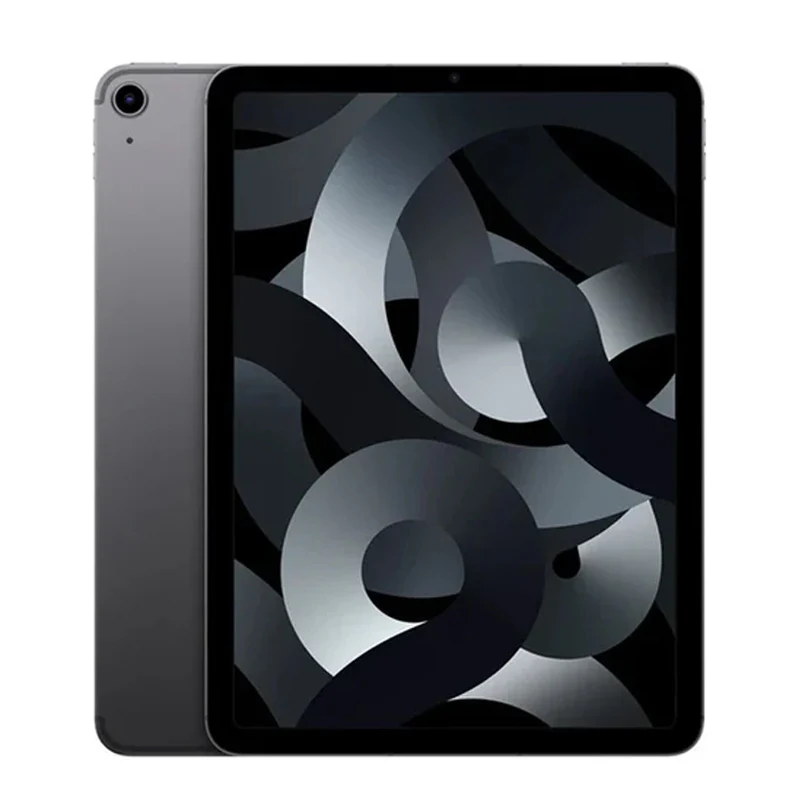
Apple iPad Air M3 11", Wi-Fi, 2025

Apple iPad Air M3 11", Wi-Fi, 2025

Apple iPad Air M3


M3.Light it up.

iPad Air is built for Apple Intelligence. The lightning-fast M3 chip brings breakout performance to iPad Air. With a powerful CPU, GPU, and Neural Engine, it’s up to 2x faster than iPad Air with M1 chip. The GPU architecture brings advanced graphics whether you’re working, streaming, creating, or gaming. All with amazing efficiency for all‑day battery life.


Built for Apple Intelligence.

Personal, private, powerful.

iPad Air is built for Apple Intelligence, the personal intelligence system that helps you express yourself and get things done effortlessly. With groundbreaking privacy protections, it gives you peace of mind that no one else can access your data — not even Apple. Apple Intelligence enables delightful ways to express yourself visually. Turn a rough sketch into a related image with Image Wand. And create new images based on descriptions, suggested concepts, and even a person from your Photos library with Image Playground. Writing Tools help you find just the right words and transform the way you communicate. Proofread your text, rewrite different versions to get the right tone, and summarize selected text with a tap.


iPadOS and apps.Get up to something wonderful.

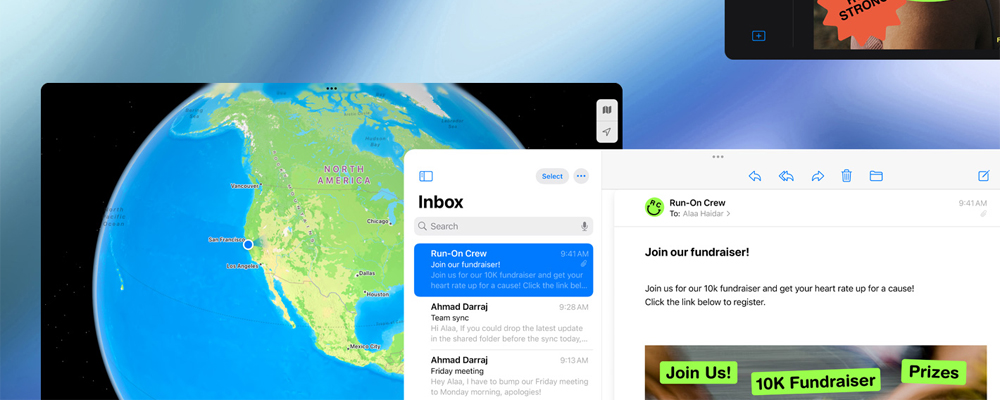
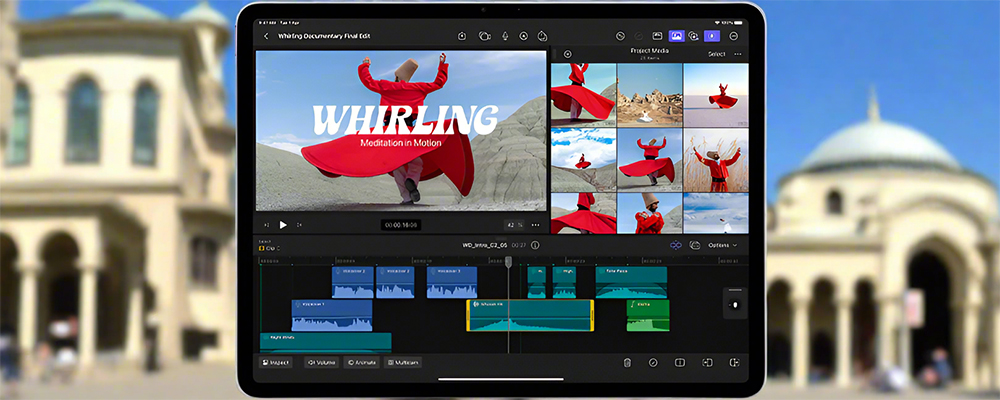
iPadOS is designed to let you do all the things you love easily and powerfully from first touch to finishing touches. Use multiple apps at once, write in any text field, and navigate quickly and efficiently using just your finger, Apple Pencil, or the Magic Keyboard trackpad. Stage Manager lets you multitask effortlessly by allowing you to overlap and resize windows to look the way you want, so you can easily navigate between them. You can also group apps for specific tasks or projects and arrange them in your ideal layout. Browse, edit, and share your images and videos with Photos. Create dazzling presentations with Keynote and add style with Apple Pencil Pro, or magically solve complex equations in Math Notes.


Apple Pencil Pro.

Engineered for limitless creativity.

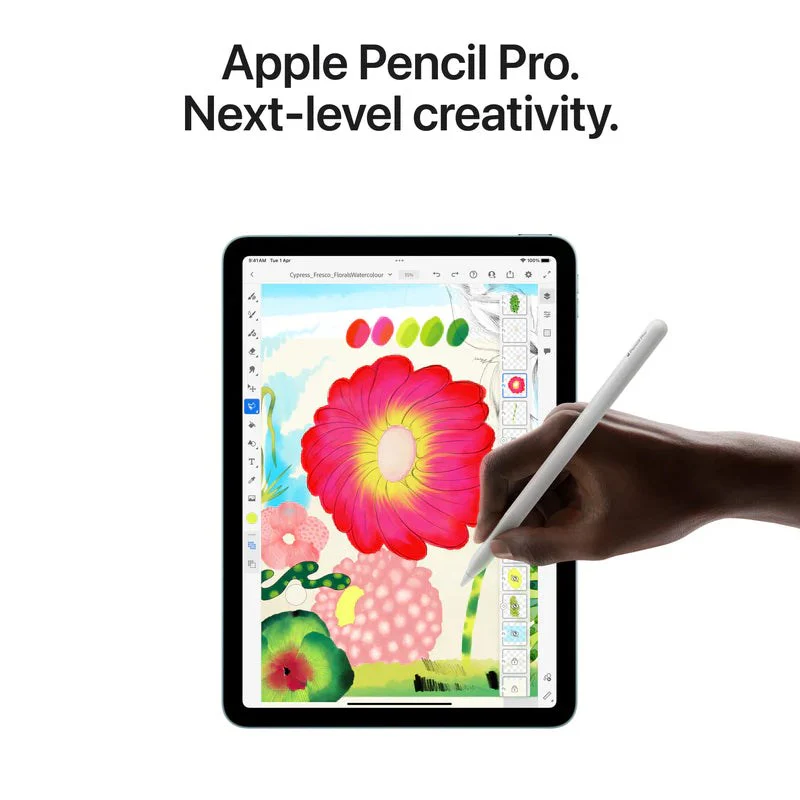
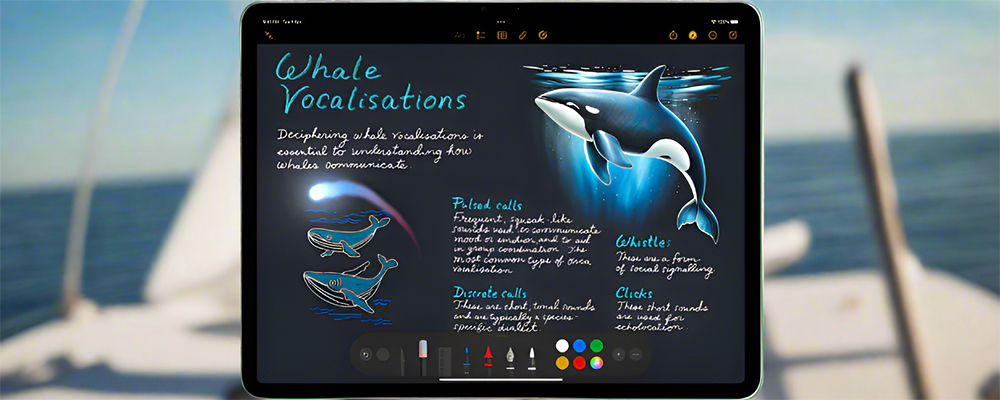
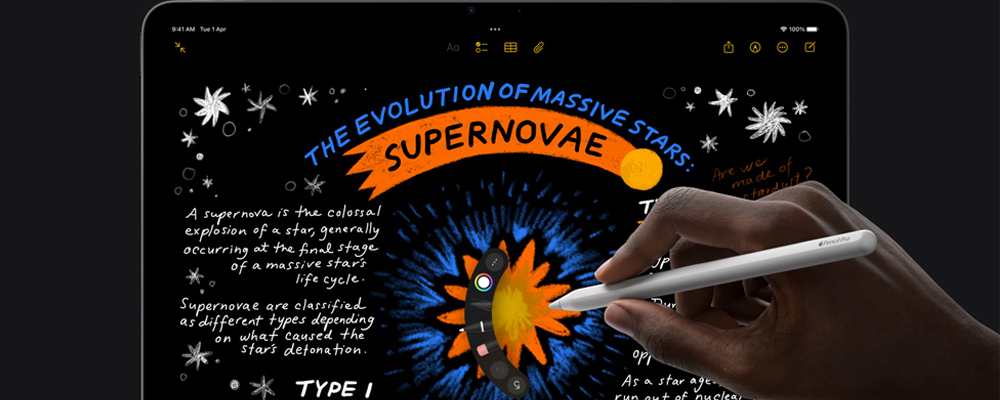
Apple Pencil sets the standard for how drawing, painting, handwriting, and note-taking should feel — intuitive, precise, and magical. All with pixel‑perfect precision, low latency, tilt sensitivity, and support for palm rejection. And Apple Pencil Pro adds even more capabilities to bring your ideas to life like never before.


Magic Keyboard.

The keys to your best work.

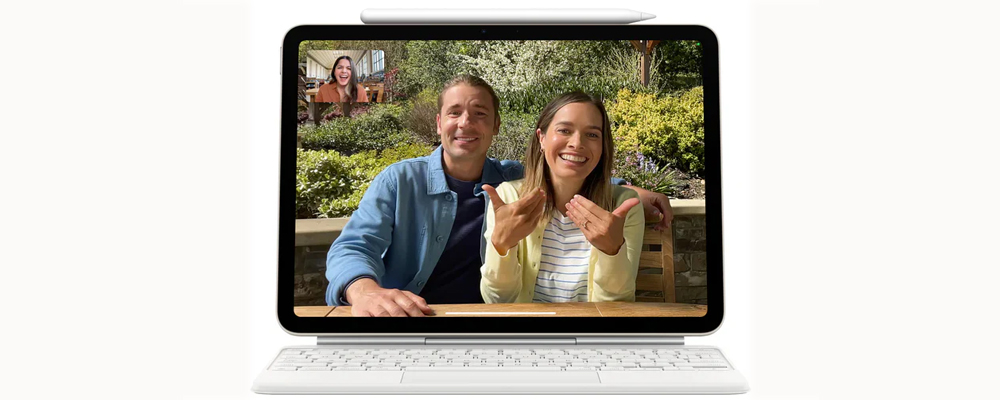
Magic Keyboard is the perfect companion for iPad Air. It delivers an amazing typing experience and a trackpad for precision tasks in a sleek, portable design. The keyboard includes a 14-key function row a USB‑C connector for pass‑through charging, and front and back protection for your iPad. The floating cantilever design smoothly adjusts to multiple viewing angles and a large glass trackpad expands how you can work with iPadOS.


Cameras.

Capture your imagination. And everything else.

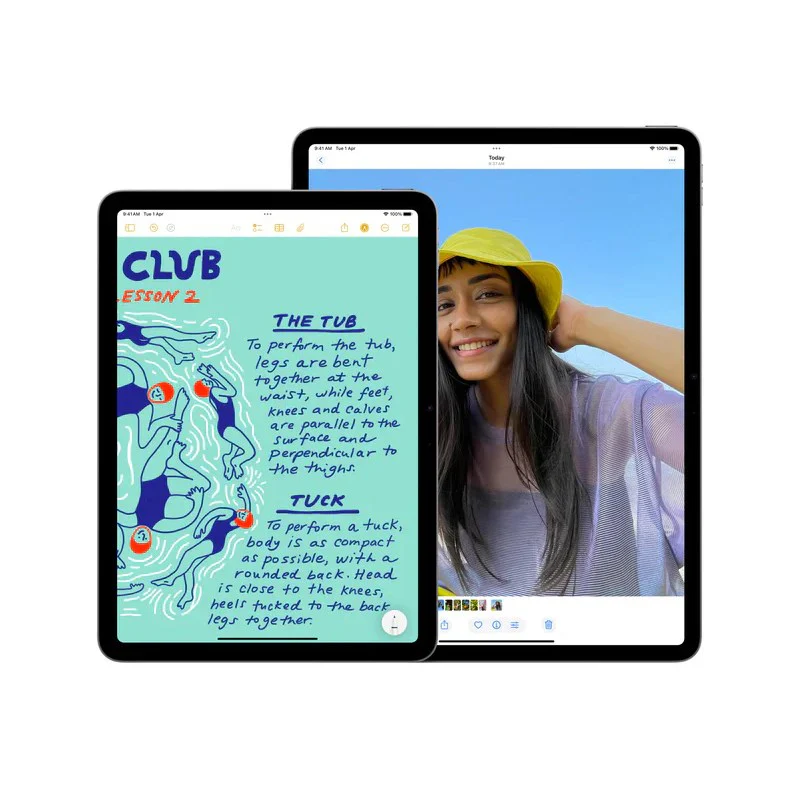
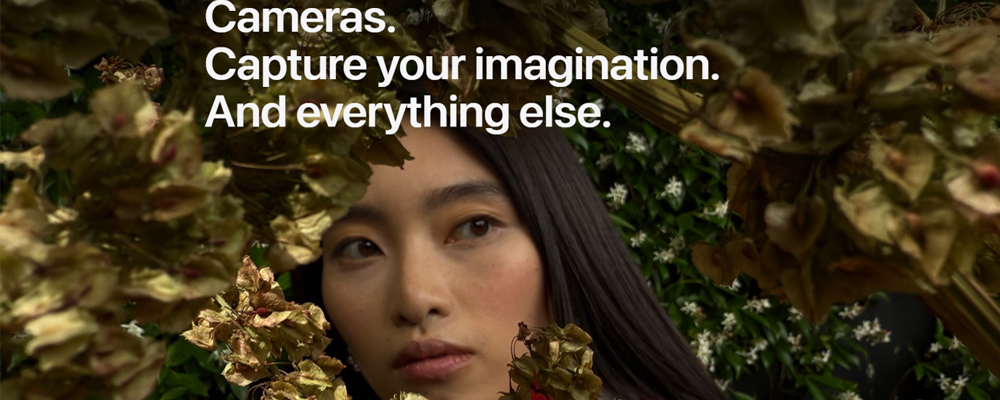
Located on the long side of iPad Air, the 12 MP Center Stage camera creates a perfect video calling experience — especially when iPad Air is attached to Magic Keyboard. And with Center Stage, machine learning enables the camera to automatically adjust to keep you centered in the shot. The 12 MP Wide back camera captures vivid photos and amazing 4K videos. And the large, high-resolution Liquid Retina display lets you retouch images, edit your film, and easily share them — all on iPad Air. You can also use the back camera to scan documents and then fill them out with Apple Pencil. Machine learning enables features like Visual Look Up so you can identify objects in your photos and videos and learn more about them. 


Built-in mics and speakers.

Sounds perfect.

Record and play back rich audio with dual mics and landscape stereo speakers. Use the Notes app to record audio sessions like lectures or work meetings and generate live audio transcriptions that you can search through, add comments to, or copy and paste to other documents.


Specification

Display

Liquid Retina display


LED backlit Multi‑Touch display with IPS technology


Wide color (P3)


True Tone


Fingerprint-resistant oleophobic coating


Fully laminated


Antireflective coating


Supports Apple Pencil Pro


Supports Apple Pencil (USB‑C)


Apple Pencil hover

In the Box

iPad Air


USB‑C Charge Cable (1 M)


20W USB‑C Power Adapter

Chip

Apple M3 chip


8-core CPU with 4 performance cores and 4 efficiency cores


9-core GPU


Hardware-accelerated ray tracing


16-core Neural Engine


8 GB RAM


Media Engine


Hardware-accelerated 8K HEVC, 4K H.264, ProRes, and ProRes RAW


Video decode engine


Video encode engine


ProRes encode and decode engine


AV1 decode

Camera

12 MP Wide camera, ƒ/1.8 aperture


Digital zoom up to 5x


Five-element lens


Panorama (up to 63MP)


Sapphire crystal lens cover


Autofocus with Focus Pixels


Smart HDR 4


Wide color capture for photos and Live Photos


Photo geotagging


Auto image stabilization


Burst mode


Image formats captured: HEIF and JPEG

Video Recording

4K video recording at 24 fps, 25 fps, 30 fps, or 60 fps


1080p HD video recording at 25 fps, 30 fps, or 60 fps


720p HD video recording at 30 fps


Slo‑mo video support for 1080p at 120 fps or 240 fps


Time‑lapse video with stabilization


Extended dynamic range for video up to 30 fps


Cinematic video stabilization (4K, 1080p, and 720p)


Continuous autofocus video


Playback zoom


Video formats captured: HEVC and H.264

Front Camera

Landscape 12 MP Center Stage camera


ƒ/2.0 aperture


Smart HDR 4


1080p HD video recording at 25 fps, 30 fps, or 60 fps


Time‑lapse video with stabilization


Extended dynamic range for video up to 30 fps


Cinematic video stabilization (1080p and 720p)


Wide color capture for photos and Live Photos


Lens correction


Retina Flash with True Tone


Auto image stabilization


Burst mode

Video Calling

FaceTime video


Center Stage


iPad to any FaceTime‑enabled device over Wi-Fi or cellular


Share experiences like movies, TV, music, and other apps in a FaceTime call with SharePlay


Screen sharing


Portrait mode in FaceTime video


Spatial Audio


Voice Isolation and Wide Spectrum microphone modes

Audio Calling

FaceTime audio


iPad to any FaceTime‑enabled device over Wi-Fi or cellular

Speakers

Landscape stereo speakers

Micro­phones

Dual microphones for calls, video recording, and audio recording

Apple Intelligence

Built into your iPad, Apple Intelligence is the personal intelligence system that helps you write, express yourself, and get things done effortlessly. With groundbreaking privacy protections, it gives you peace of mind that no one else can access your data — not even Apple.

SIM Card

eSIM


iPad Air uses advanced eSIM technology for more convenience and security (not compatible with physical SIM cards)

Sensors

Touch ID


Three‐axis gyro


Accelerometer


Barometer


Ambient light sensor

Touch ID

Unlock iPad


Secure personal data within apps


Make purchases from the iTunes Store and App Store

Apple Pay

Pay with your iPad using Touch ID within apps and on the web

Charging and Expansion

USB-C port with support for:


Charging


DisplayPort


USB 3 (up to 10Gb/s)

Display Support

Supports full native resolution on the built-in display at millions of colors


Supports one external display with up to 6K resolution at 60Hz


Digital video output


Native DisplayPort output over USB‑C


VGA, HDMI, and DVI output supported using adapters (sold separately)


Video mirroring


Up to 4K AirPlay for mirroring, photos, and video out to Apple TV (2nd generation or later) or AirPlay‑enabled smart TV


Video mirroring and video out support through USB-C Digital AV Multiport Adapter and USB-C VGA Multiport Adapter (adapters sold separately)

Operating System

iPadOS 18


iPadOS comes with powerful features and built-in apps designed to take advantage of the unique capabilities of iPad.

Mail Attachment Support

Viewable document types


.jpg, .tiff, .gif (images); .doc and .docx (Microsoft Word); .htm and .html (web pages); .key (Keynote); .numbers (Numbers); .pages (Pages); .pdf (Preview and Adobe Acrobat); .ppt and .pptx (Microsoft PowerPoint); .txt (text); .rtf (rich text format); .vcf (contact information); .xls and .xlsx (Microsoft Excel); .zip; .ics; .usdz; .pkpass (Wallet)

Environ­mental Require­ments

Operating ambient temperature:0° to 35° C (32° to 95° F)


Nonoperating temperature:−20° to 45° C (−4° to 113° F)


Relative humidity:5% to 95% noncondensing


Operating altitude:tested up to 3000 M (10,000 ft)

Select Storage
Select Color
From $199.06

Original: $568.74

-65%
Apple iPad Air M3 11", Wi-Fi, 2025

$568.74

$199.06

Product Information

Shipping & Returns

Description

Apple iPad Air M3


M3.Light it up.

iPad Air is built for Apple Intelligence. The lightning-fast M3 chip brings breakout performance to iPad Air. With a powerful CPU, GPU, and Neural Engine, it’s up to 2x faster than iPad Air with M1 chip. The GPU architecture brings advanced graphics whether you’re working, streaming, creating, or gaming. All with amazing efficiency for all‑day battery life.


Built for Apple Intelligence.

Personal, private, powerful.

iPad Air is built for Apple Intelligence, the personal intelligence system that helps you express yourself and get things done effortlessly. With groundbreaking privacy protections, it gives you peace of mind that no one else can access your data — not even Apple. Apple Intelligence enables delightful ways to express yourself visually. Turn a rough sketch into a related image with Image Wand. And create new images based on descriptions, suggested concepts, and even a person from your Photos library with Image Playground. Writing Tools help you find just the right words and transform the way you communicate. Proofread your text, rewrite different versions to get the right tone, and summarize selected text with a tap.


iPadOS and apps.Get up to something wonderful.

iPadOS is designed to let you do all the things you love easily and powerfully from first touch to finishing touches. Use multiple apps at once, write in any text field, and navigate quickly and efficiently using just your finger, Apple Pencil, or the Magic Keyboard trackpad. Stage Manager lets you multitask effortlessly by allowing you to overlap and resize windows to look the way you want, so you can easily navigate between them. You can also group apps for specific tasks or projects and arrange them in your ideal layout. Browse, edit, and share your images and videos with Photos. Create dazzling presentations with Keynote and add style with Apple Pencil Pro, or magically solve complex equations in Math Notes.


Apple Pencil Pro.

Engineered for limitless creativity.

Apple Pencil sets the standard for how drawing, painting, handwriting, and note-taking should feel — intuitive, precise, and magical. All with pixel‑perfect precision, low latency, tilt sensitivity, and support for palm rejection. And Apple Pencil Pro adds even more capabilities to bring your ideas to life like never before.


Magic Keyboard.

The keys to your best work.

Magic Keyboard is the perfect companion for iPad Air. It delivers an amazing typing experience and a trackpad for precision tasks in a sleek, portable design. The keyboard includes a 14-key function row a USB‑C connector for pass‑through charging, and front and back protection for your iPad. The floating cantilever design smoothly adjusts to multiple viewing angles and a large glass trackpad expands how you can work with iPadOS.


Cameras.

Capture your imagination. And everything else.

Located on the long side of iPad Air, the 12 MP Center Stage camera creates a perfect video calling experience — especially when iPad Air is attached to Magic Keyboard. And with Center Stage, machine learning enables the camera to automatically adjust to keep you centered in the shot. The 12 MP Wide back camera captures vivid photos and amazing 4K videos. And the large, high-resolution Liquid Retina display lets you retouch images, edit your film, and easily share them — all on iPad Air. You can also use the back camera to scan documents and then fill them out with Apple Pencil. Machine learning enables features like Visual Look Up so you can identify objects in your photos and videos and learn more about them. 


Built-in mics and speakers.

Sounds perfect.

Record and play back rich audio with dual mics and landscape stereo speakers. Use the Notes app to record audio sessions like lectures or work meetings and generate live audio transcriptions that you can search through, add comments to, or copy and paste to other documents.


Specification

Display

Liquid Retina display


LED backlit Multi‑Touch display with IPS technology


Wide color (P3)


True Tone


Fingerprint-resistant oleophobic coating


Fully laminated


Antireflective coating


Supports Apple Pencil Pro


Supports Apple Pencil (USB‑C)


Apple Pencil hover

In the Box

iPad Air


USB‑C Charge Cable (1 M)


20W USB‑C Power Adapter

Chip

Apple M3 chip


8-core CPU with 4 performance cores and 4 efficiency cores


9-core GPU


Hardware-accelerated ray tracing


16-core Neural Engine


8 GB RAM


Media Engine


Hardware-accelerated 8K HEVC, 4K H.264, ProRes, and ProRes RAW


Video decode engine


Video encode engine


ProRes encode and decode engine


AV1 decode

Camera

12 MP Wide camera, ƒ/1.8 aperture


Digital zoom up to 5x


Five-element lens


Panorama (up to 63MP)


Sapphire crystal lens cover


Autofocus with Focus Pixels


Smart HDR 4


Wide color capture for photos and Live Photos


Photo geotagging


Auto image stabilization


Burst mode


Image formats captured: HEIF and JPEG

Video Recording

4K video recording at 24 fps, 25 fps, 30 fps, or 60 fps


1080p HD video recording at 25 fps, 30 fps, or 60 fps


720p HD video recording at 30 fps


Slo‑mo video support for 1080p at 120 fps or 240 fps


Time‑lapse video with stabilization


Extended dynamic range for video up to 30 fps


Cinematic video stabilization (4K, 1080p, and 720p)


Continuous autofocus video


Playback zoom


Video formats captured: HEVC and H.264

Front Camera

Landscape 12 MP Center Stage camera


ƒ/2.0 aperture


Smart HDR 4


1080p HD video recording at 25 fps, 30 fps, or 60 fps


Time‑lapse video with stabilization


Extended dynamic range for video up to 30 fps


Cinematic video stabilization (1080p and 720p)


Wide color capture for photos and Live Photos


Lens correction


Retina Flash with True Tone


Auto image stabilization


Burst mode

Video Calling

FaceTime video


Center Stage


iPad to any FaceTime‑enabled device over Wi-Fi or cellular


Share experiences like movies, TV, music, and other apps in a FaceTime call with SharePlay


Screen sharing


Portrait mode in FaceTime video


Spatial Audio


Voice Isolation and Wide Spectrum microphone modes

Audio Calling

FaceTime audio


iPad to any FaceTime‑enabled device over Wi-Fi or cellular

Speakers

Landscape stereo speakers

Micro­phones

Dual microphones for calls, video recording, and audio recording

Apple Intelligence

Built into your iPad, Apple Intelligence is the personal intelligence system that helps you write, express yourself, and get things done effortlessly. With groundbreaking privacy protections, it gives you peace of mind that no one else can access your data — not even Apple.

SIM Card

eSIM


iPad Air uses advanced eSIM technology for more convenience and security (not compatible with physical SIM cards)

Sensors

Touch ID


Three‐axis gyro


Accelerometer


Barometer


Ambient light sensor

Touch ID

Unlock iPad


Secure personal data within apps


Make purchases from the iTunes Store and App Store

Apple Pay

Pay with your iPad using Touch ID within apps and on the web

Charging and Expansion

USB-C port with support for:


Charging


DisplayPort


USB 3 (up to 10Gb/s)

Display Support

Supports full native resolution on the built-in display at millions of colors


Supports one external display with up to 6K resolution at 60Hz


Digital video output


Native DisplayPort output over USB‑C


VGA, HDMI, and DVI output supported using adapters (sold separately)


Video mirroring


Up to 4K AirPlay for mirroring, photos, and video out to Apple TV (2nd generation or later) or AirPlay‑enabled smart TV


Video mirroring and video out support through USB-C Digital AV Multiport Adapter and USB-C VGA Multiport Adapter (adapters sold separately)

Operating System

iPadOS 18


iPadOS comes with powerful features and built-in apps designed to take advantage of the unique capabilities of iPad.

Mail Attachment Support

Viewable document types


.jpg, .tiff, .gif (images); .doc and .docx (Microsoft Word); .htm and .html (web pages); .key (Keynote); .numbers (Numbers); .pages (Pages); .pdf (Preview and Adobe Acrobat); .ppt and .pptx (Microsoft PowerPoint); .txt (text); .rtf (rich text format); .vcf (contact information); .xls and .xlsx (Microsoft Excel); .zip; .ics; .usdz; .pkpass (Wallet)

Environ­mental Require­ments

Operating ambient temperature:0° to 35° C (32° to 95° F)


Nonoperating temperature:−20° to 45° C (−4° to 113° F)


Relative humidity:5% to 95% noncondensing


Operating altitude:tested up to 3000 M (10,000 ft)